Last updated: 5 September 2026
Sims 4: Romance & Relationships Guide
Relationships drive most Sims stories — from first flirt to wedding to a house full of kids. The Sims 4 tracks friendship and romance on two separate bars, and understanding how to raise each (the slow honest way or the instant cheat way) unlocks marriages, WooHoo, babies, and everything in between. Here is the full guide.
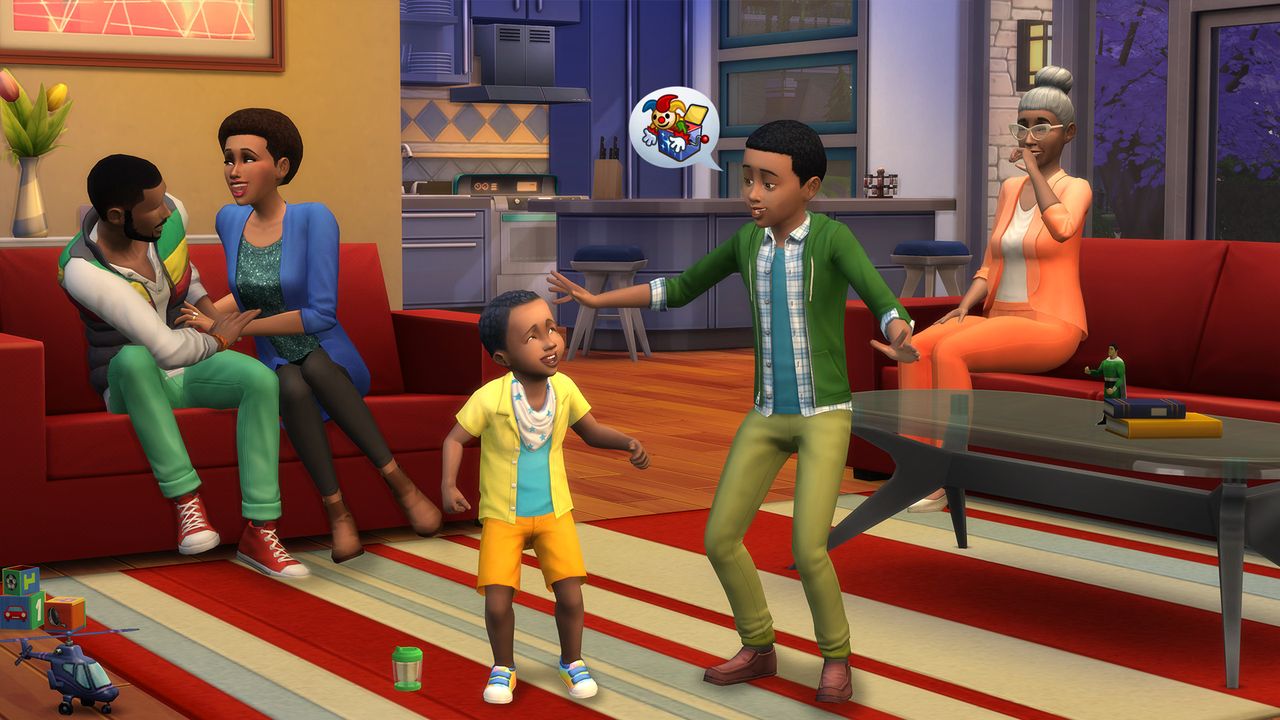
Build a relationship in Sims 4 with friendly interactions first, then flirty ones to raise the separate romance bar — once it is high enough you can propose, get married, WooHoo, and Try for Baby. To cheat it, enable testingcheats true and use modifyrelationship [Sim1 First] [Sim1 Last] [Sim2 First] [Sim2 Last] 100 LTR_Romance_Main for instant max romance, or LTR_Friendship_Main for friendship. Compatibility and good moods make natural romance much faster.
01How Relationships Work: Two Bars
Every pair of Sims has two independent relationship bars, and confusing them is the most common mistake:
- Friendship bar — raised by friendly interactions (chat, jokes, shared interests). Runs from -100 (enemies) to +100 (best friends).
- Romance bar — raised by flirty/romantic interactions, separate from friendship. You need this one up for marriage, WooHoo and babies.
- You generally need some friendship before flirting lands well — a cold introduction followed by a flirt often gets rejected.
- Mood and traits matter: a Flirty or Confident Sim succeeds at romance more often, and compatible traits build attraction faster.
02Building Romance Step by Step
To take two Sims from strangers to lovers naturally:
- Build friendship first — Friendly interactions like Chat, Tell Joke, and Compliment until they warm up.
- Start flirting — once they like each other, use Flirty interactions (Compliment Appearance, Flirt, Tell Funny Joke) to open the romance bar.
- Get the Sim in a Flirty mood — a flirty moodlet (from a romantic atmosphere, certain teas, or clothing) boosts success.
- Escalate — Confess Attraction, First Kiss, then Ask to be Boyfriend/Girlfriend.
- Propose and marry — with high romance and friendship, use Propose Marriage, then Get Married or hold a wedding.
Rejected interactions lower the bar slightly, so do not rush — read the partner's reaction before escalating.
03Marriage, WooHoo & Trying for Baby
The big relationship milestones each have simple requirements:
- Marriage: with a high romance bar, select Propose Marriage; accept and choose Get Married immediately or plan a wedding event.
- WooHoo: available once romance is high enough — use a double bed, or fun spots like a closet, bush, rocket ship, or hot tub. WooHoo has no pregnancy chance.
- Try for Baby: the same locations, but with a chance of pregnancy — needs roughly 40–50% romance or higher.
- Risky WooHoo is not an official game feature — it is a well-known community mod that adds a pregnancy chance to normal WooHoo, since regular WooHoo never causes accidental pregnancy on its own.
For the full pregnancy walkthrough — twins, science babies and birth — see our have-a-baby guide.
04Relationship Cheats
To skip the courtship, open the console (Ctrl+Shift+C), enter testingcheats true, then use the modifyrelationship command:
- Max romance:
modifyrelationship [Sim1First] [Sim1Last] [Sim2First] [Sim2Last] 100 LTR_Romance_Main - Max friendship:
modifyrelationship [Sim1First] [Sim1Last] [Sim2First] [Sim2Last] 100 LTR_Friendship_Main - Lower a relationship: use a negative value, e.g.
-100, to create enemies or end-romance scenarios. - Example:
modifyrelationship Bob Pancakes Eliza Pancakes 100 LTR_Romance_Maininstantly maxes their romance. - Romance skill (Lovestruck pack):
stats.set_skill_level Major_Romance 10unlocks advanced romantic interactions.
Use both bars together — max friendship and romance — so marriage and Try for Baby become available immediately.
FAQ
How do you build romance in Sims 4?
Build some friendship first with Friendly interactions, then switch to Flirty ones — Compliment Appearance, Flirt, and Confess Attraction — to raise the separate romance bar. Getting your Sim into a Flirty mood (via a romantic atmosphere or certain items) boosts success. Once romance is high, you can First Kiss, become partners, propose, and eventually WooHoo and Try for Baby.
What is the romance cheat in Sims 4?
Open the console with Ctrl+Shift+C, type testingcheats true, then use modifyrelationship [Sim1 First] [Sim1 Last] [Sim2 First] [Sim2 Last] 100 LTR_Romance_Main to instantly max romance between two Sims. Use LTR_Friendship_Main for friendship instead. For example, modifyrelationship Bob Pancakes Eliza Pancakes 100 LTR_Romance_Main maxes their romance immediately.
How do you get married in Sims 4?
Build both the friendship and romance bars high, then select Propose Marriage on the partner Sim. Once accepted, you can choose Get Married right away for an instant marriage, or plan a wedding event for a celebration. The two Sims then live as spouses. You can cheat the relationship up first with modifyrelationship if you want to skip the courtship.
What is the difference between WooHoo and Try for Baby in Sims 4?
WooHoo is the romantic interaction with no chance of pregnancy, available once the romance bar is high enough and usable in beds and fun spots like closets and hot tubs. Try for Baby uses the same locations but carries a pregnancy chance and needs roughly 40–50% romance or higher. Risky WooHoo is not an official feature — it's a popular community mod that adds a pregnancy chance to normal WooHoo, which otherwise never causes accidental pregnancy.
Sources
Where the facts on this page were checked. If one of them now says something different, we want to know — tell us and we will fix the guide.
- Full The Sims 4 Relationship Cheats Guide (All Platforms) — modifyrelationship syntax and the Major_Romance skill cheat Sims Community
- How to Use The Sims 4 Relationship Cheats — confirms the modifyrelationship (singular) command Game Rant
- The Sims 4 Family Guide: From Trying for a Baby to Raising Youngins — confirms accidental pregnancy from regular WooHoo does not occur without mods Sims Community
New & updated guides ship every week. Follow the Atom feed or get notified when new The Sims 4 guides land.