Last updated: 31 August 2026
BG3 Crossplay How to Play With Friends Across PC, PS5, and Xbox
Baldur's Gate 3 has supported online co-op since launch, but for years each platform was an island — a PC player could not invite a friend on PS5. Patch 8, released April 15, 2025, changed that. Larian added full crossplay between PC, Mac, PlayStation 5, and Xbox Series X/S through their Larian Network account system. This guide walks through everything: setting up the Larian Account you need, enabling crossplay in settings, hosting or joining a cross-platform session, the mod rules that govern crossplay lobbies, and cross-save — the companion feature that lets you carry your character from one platform to another.
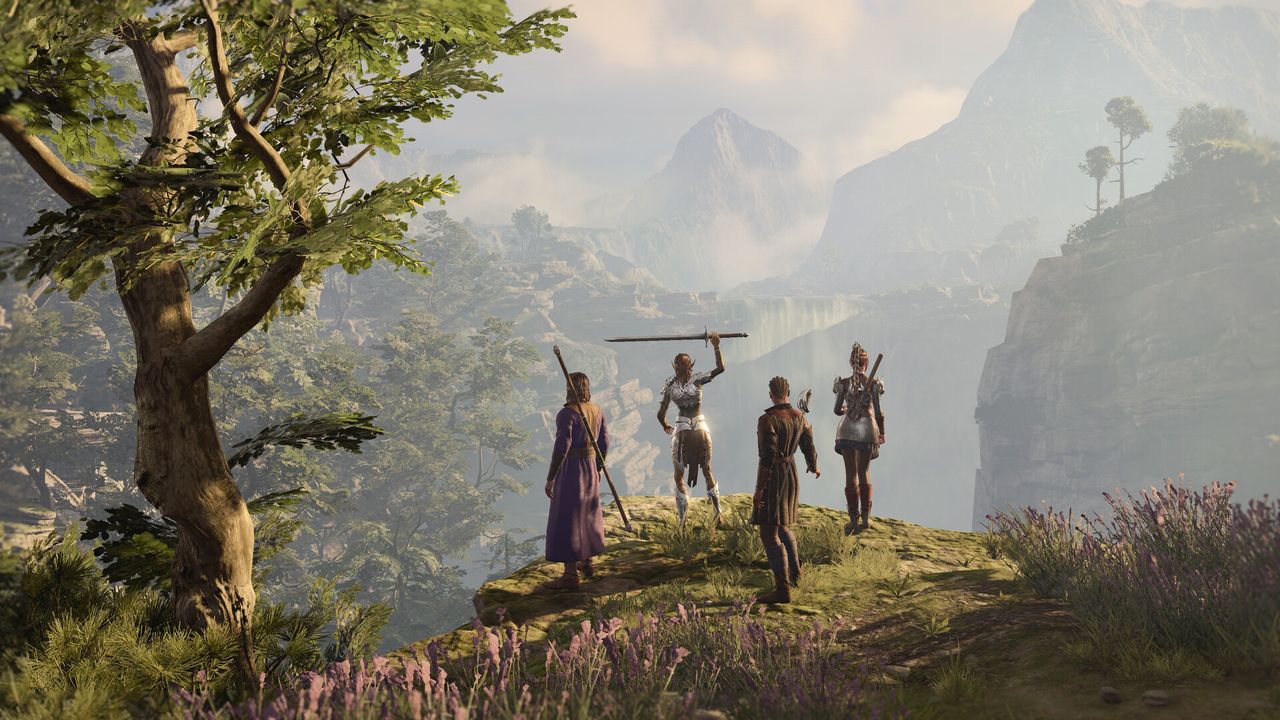
Patch 8 (April 2025) added full crossplay between PC, Mac, PS5, and Xbox Series X/S. You need a free Larian Account — add friends by Larian username, then meet in the Multiplayer → Cross-Play lobby. Mods work in crossplay sessions only if all players have the same in-game-manager mods installed; third-party mods from NexusMods are not supported. Cross-save (carrying a save between platforms) is a separate toggle in Gameplay settings.
01Which Platforms Can Play Together
As of Patch 8, Baldur's Gate 3 crossplay is available across all four of the game's current platforms:
- PC (Steam and GOG)
- macOS
- PlayStation 5
- Xbox Series X and Xbox Series S
Any combination of those four platforms can share the same four-player co-op session. A party of one PC player, one Mac player, one PS5 player, and one Xbox Series S player is fully supported. Earlier Xbox models (Xbox One) are not on the list — Baldur's Gate 3 was never released on them.
02Step 0: Create a Larian Account
Crossplay runs through the Larian Network, which means every player in a crossplay session needs a Larian Account. This is free to create at larian.com. Once you have an account you link it to your platform — Steam, GOG, PlayStation Network, or Xbox Live — from within the game.
The Larian Account serves two crossplay functions:
- Identity across platforms. Your Larian username is how friends on other platforms find and add you — platform usernames are not used for cross-platform friend requests.
- Cross-save cloud storage. The same account backs the optional cross-save feature (covered at the end of this guide).
If you already played BG3 before Patch 8, you were likely prompted to create or link a Larian Account when the patch launched. Check the Account Management icon on the main menu to confirm your account is active before trying to host or join a crossplay session.
03Enable Crossplay in Settings
Crossplay is toggled via one setting that defaults to off on some platforms:
- From the main menu, select Options.
- Open the Gameplay tab.
- Find the Allow Crossplay checkbox and enable it.
All players in your intended group need to have this setting enabled, not just the host. If a friend cannot see or join your crossplay lobby, checking this toggle is the first thing to verify.
04Adding Cross-Platform Friends
You cannot search for crossplay friends by PSN ID or Xbox Gamertag — crossplay friends are added through the Larian Network exclusively. Here is how to add someone:
- From the main menu, select the Account Management icon (top-right area of the main menu).
- Select Friend List.
- Click Add Friend.
- Enter your friend's exact Larian Account username and send the request.
- They accept the request on their end, and both of you are now cross-platform friends.
Once added, your cross-platform friends appear in your friend list regardless of which platform either of you is on, and their active sessions become visible from the Multiplayer → Cross-Play screen. This is the only way to see cross-platform sessions — there is no public lobby browser for crossplay.
05Hosting a Crossplay Session
To start a crossplay session that friends on other platforms can join:
- From the main menu, go to Multiplayer.
- Select the Cross-Play tab.
- Click Create.
- Configure your session settings (privacy, mod requirements, starting point).
- Click Launch.
Your session is now visible to your Larian Network friends. You can also invite friends directly from within the lobby screen by selecting one of the empty party slots and sending an invitation to a specific friend from your list.
If your session uses mods, every player who joins will be prompted to reconcile their mod setup — install, update, or remove mods to match yours before entry. This prompt is automatic; players do not need to manually hunt for matching mods.
06Joining a Friend's Crossplay Lobby
If someone else is hosting and you want to join their session:
- From the main menu, go to Multiplayer.
- Click the Cross-Play tab.
- Your Larian friends' active sessions are listed here. Find your host's session and select Join.
- If the host uses mods, a mod verification window appears. It shows which mods need to be installed or updated for compatibility. Accept the changes to proceed.
Joining requires that the host has already launched their session (not just created it) and that both players have Allow Crossplay enabled in their settings.
07Mods and Crossplay — What Works and What Does Not
The mod rules for crossplay sessions are stricter than for same-platform play, and getting them wrong is the most common reason crossplay sessions fail or generate errors.
The core rule: all players must have an identical set of mods installed. If the host has five mods, every player who joins needs those same five mods — no extras, no missing ones.
Beyond that, there are platform-sourcing restrictions:
- Only in-game Mod Manager mods work. Mods downloaded through the Baldur's Gate 3 in-game Mod Manager are the only type compatible with crossplay. These mods are reviewed and made available across all supported platforms through Larian's official pipeline.
- Third-party mods (NexusMods and similar sites) are not supported in crossplay. These mods typically rely on scripts outside the official modding framework and cannot run on console or Mac. A PC player with NexusMods mods active will need to disable them to join a crossplay session.
- Console and Mac players are capped at 100 mods per session. PC has no hard cap. If you are hosting from PC with more than 100 mods, console and Mac players cannot join.
- PC hosts can filter for compatible mods. In the Mod Manager, use the Available on Console & Mac filter tag to see which of your mods are crossplay-compatible.
The practical upshot: if your group mixes PC and console players, build your mod list from in-game Mod Manager content only, keep it under 100 entries, and verify that every player has the same list installed before launching.
08Cross-Save — Playing Your Character on a Different Platform
Cross-save is a separate feature from crossplay but uses the same Larian Account infrastructure. Where crossplay lets you play with someone on another platform in real time, cross-save lets you carry your own save file from one platform to another — for instance, continuing a PC campaign on PS5 when you are away from your desk.
How to enable cross-save:
- On PC: press Esc to open the options menu, navigate to the Gameplay tab, and find the cross-save toggle. Switch it on and wait for the sync to complete.
- On console: enable the same option via the main menu options before loading a save.
- Load your game on the second platform — a Continue prompt will appear with your synced save.
Cross-save works across all four supported platforms (PC, Mac, PS5, Xbox Series X/S) as long as you own the game on each platform you want to transfer between. Saves are stored in the Larian Network cloud and tied to your account, not to any one platform's cloud service.
FAQ
Can PC and PS5 players play BG3 together?
Yes. Baldur's Gate 3 Patch 8 (April 2025) added full crossplay between PC, Mac, PlayStation 5, and Xbox Series X/S. A PC player can host a session and have PS5 friends join through the Multiplayer → Cross-Play tab, as long as both have a Larian Account and Allow Crossplay enabled in their settings.
Does BG3 crossplay support Xbox?
Yes — Xbox Series X and Xbox Series S are both supported in BG3 crossplay alongside PC, Mac, and PS5. Original Xbox One is not supported because Baldur's Gate 3 was never released on that hardware.
Do BG3 crossplay mods work?
Partially. Mods downloaded through the in-game Mod Manager work in crossplay sessions, provided every player in the lobby has exactly the same mods installed. Mods from NexusMods or other third-party sites are not supported in crossplay — they need to be disabled before joining. Console and Mac players are also limited to a maximum of 100 mods per session.
Is there cross-save in BG3?
Yes, cross-save is available and separate from crossplay. You enable it in the Gameplay settings tab on any platform, and your save syncs to the Larian Network cloud. You can then continue the same campaign on a different platform as long as you own the game there and use the same Larian Account. It works across PC, Mac, PS5, and Xbox Series X/S.
How do I add a friend for BG3 crossplay?
Cross-platform friends in BG3 are added by Larian Account username, not by PSN ID or Xbox Gamertag. Go to the Account Management icon on the main menu, open Friend List, click Add Friend, and enter your friend's Larian username. Once they accept, their sessions appear in your Multiplayer → Cross-Play lobby list.
Does couch co-op work with BG3 crossplay?
Couch co-op (local split-screen) and online crossplay are separate features. Split-screen is available locally on PC, PS5, and Xbox Series X — Xbox Series S is not supported due to hardware constraints. On PC, both players must use controllers (mouse and keyboard cannot be mixed in for the second player). Local split-screen sessions are not also connected to online crossplay simultaneously; the two modes are kept separate.
What do I need to play BG3 crossplay?
Three things: a Larian Account (free at larian.com), crossplay enabled in Options → Gameplay → Allow Crossplay, and the same in-game-manager mods as anyone else in your session. Every player in the group needs all three. Third-party mods from NexusMods must be disabled for the session.
Sources
Where the facts on this page were checked. If one of them now says something different, we want to know — tell us and we will fix the guide.
New & updated guides ship every week. Follow the Atom feed or get notified when new Baldur's Gate 3 guides land.